Mastering the Use of Black White Decorative Frames Vector for Professional Design
In the world of digital design, simplicity often speaks louder than complexity. The Black White Decorative Frames Vector represents a timeless aesthetic choice that bridges the gap between vintage charm and modern minimalism. Whether you are crafting wedding invitations, designing social media graphics, or laying out educational worksheets, these frames offer versatility that colored assets simply cannot match. However, many creators underestimate the technical nuances involved in using vector graphics effectively. Understanding the difference between a low-resolution raster image and a scalable vector file can save you hours of frustration and ensure your final product looks crisp on any medium.
Understanding the Value of High-Contrast Line Art
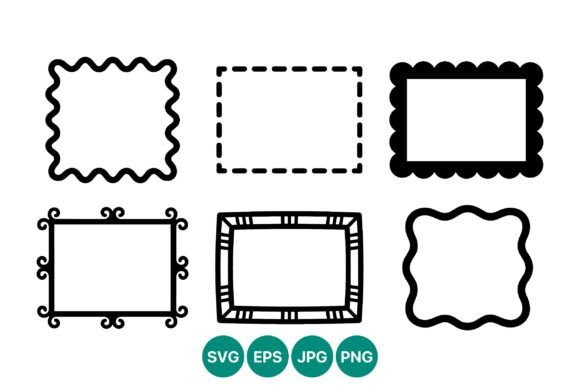
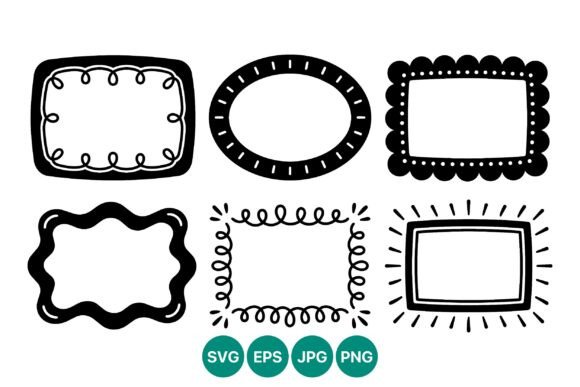
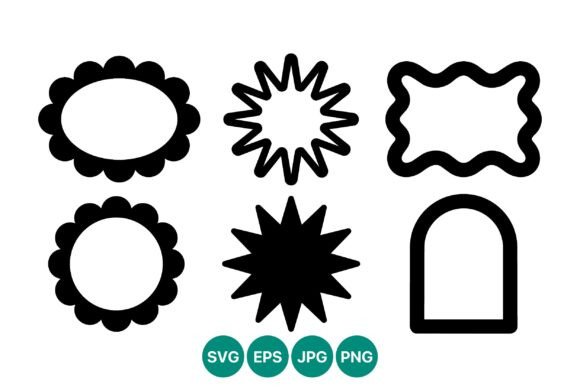
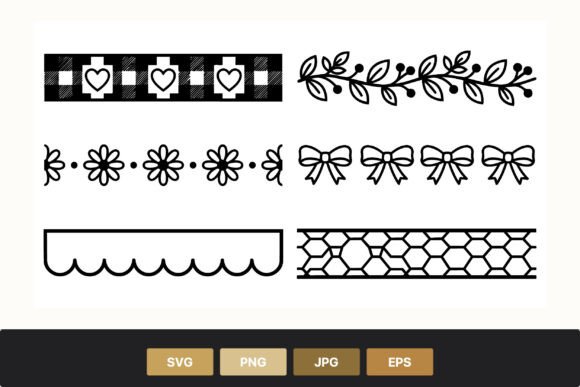
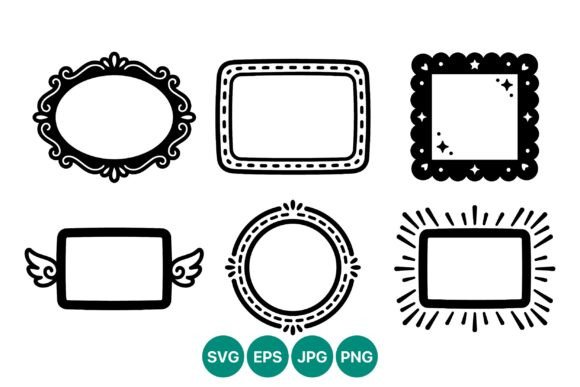
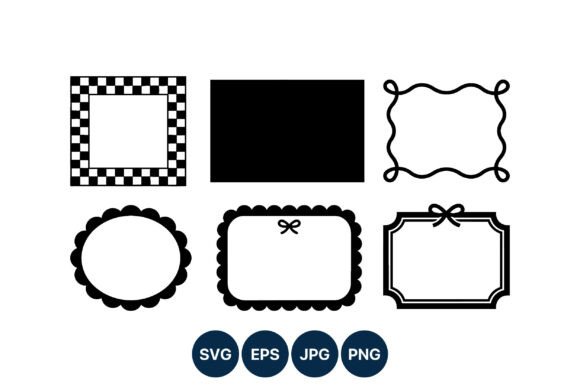
The specific set featuring checkered patterns, scalloped edges, bows, and wavy lines is not just decorative; it is functional. The high-contrast nature of black and white artwork ensures legibility and visual impact, even when printed on textured paper or displayed on small mobile screens. When you download a package that includes SVG, PNG, JPG, and EPS files, you are gaining access to a toolkit designed for multiple workflows. The SVG and EPS formats are particularly crucial because they are 100% vector-based. This means the mathematical paths defining the shapes allow for infinite scaling without pixelation. A common misconception is that all digital images behave this way, but only true vector files maintain their sharpness when enlarged from a business card size to a billboard.
Common Pitfalls in File Selection and Usage
One of the most frequent mistakes beginners make is relying solely on the PNG or JPG files included in the download. While these raster formats are convenient for quick web uploads, they have fixed dimensions. If you attempt to stretch a JPG frame to fit a larger layout, the edges will become jagged and blurry. This degradation compromises the professional quality of your work. To avoid this, always prioritize the SVG or EPS files when working in design software like Adobe Illustrator, Inkscape, or Canva Pro. These formats allow you to resize the frame to any dimension while keeping the lines perfectly smooth.
Another overlooked detail is the editing capability of the vector nodes. Many users treat vector frames as static images, missing the opportunity to customize them. For instance, the wavy lines or scalloped edges in this set can be adjusted to better fit your specific content area. By ungrouping the elements in your vector editor, you can modify the thickness of the lines or remove specific decorative elements like the bows if they do not suit your current project. Failing to explore these editing options limits the utility of the asset and forces you to search for new frames when a simple adjustment would have sufficed.
Navigating Compatibility and Software Constraints
Not all design platforms handle vector files equally. A significant error occurs when users try to upload EPS files into web-based tools that do not fully support postscript data. While EPS is an industry standard for print professionals, SVG is generally more compatible with modern web design and user-friendly interfaces. If you encounter issues importing a frame, check whether your software prefers SVG over EPS. Additionally, some free design tools may convert vectors into raster images upon export, stripping away the scalability benefits. Always verify your export settings to ensure you are saving your final design in a format that preserves quality, such as PDF for print or high-resolution PNG for digital use.
It is also essential to consider the background transparency. The PNG files in this set likely come with transparent backgrounds, which is vital for layering the frame over photos or colored backgrounds. However, JPGs do not support transparency and will include a white box around the frame. Using a JPG in this manner can create awkward white spaces that disrupt the flow of your design. Always choose the PNG for layered digital compositions and reserve the JPG for contexts where a solid white background is acceptable or desired.
Best Practices for Integration and Design Harmony
To maximize the effectiveness of the Black White Decorative Frames Vector, consider the balance between the frame and the content it encloses. The checkered pattern and intricate scalloped edges add visual weight, so they pair best with clean, sans-serif typography or simple illustrations. Overloading the center of the frame with complex graphics can create visual clutter. Instead, use negative space strategically to let the decorative borders shine. This approach enhances readability and draws the viewer’s eye to the central message.
For entrepreneurs and marketers, consistency is key. Use the same style of frame across your brand materials to create a cohesive look. The flat vector line art style is neutral enough to adapt to various brand colors if you choose to recolor the strokes, but maintaining the black and white scheme can also establish a sophisticated, classic brand identity. Before finalizing your design, zoom in to 100% or more to inspect the anchor points and curves. This step helps identify any unintended gaps or overlaps in the vector paths, ensuring a polished final output.
Making the Right Choice for Your Project
When evaluating whether this specific set is right for your needs, ask yourself about the intended medium. If you are printing on fabric or large-format banners, the vector scalability is non-negotiable. If you are creating quick Instagram stories, the PNGs might suffice, but having the SVGs allows for future repurposing. Downloading the ZIP folder gives you the flexibility to choose the best tool for each job. Remember, investing time in learning how to manipulate vector files pays dividends in efficiency and quality. You avoid the need to purchase multiple assets for different sizes, as one vector file serves all purposes.
Ultimately, the Black White Decorative Frames Vector is more than just a clipart collection; it is a foundational element for clean, professional design. By avoiding common technical errors and leveraging the full potential of vector formats, you can elevate your creative projects. Whether you are a hobbyist making greeting cards or a freelancer designing corporate brochures, mastering these assets ensures your work remains sharp, adaptable, and visually appealing. Take the time to understand the files you are working with, and you will find that these simple black and white frames can become some of the most versatile tools in your design arsenal.